 Welcome to VideoTrimmer!
Welcome to VideoTrimmer!
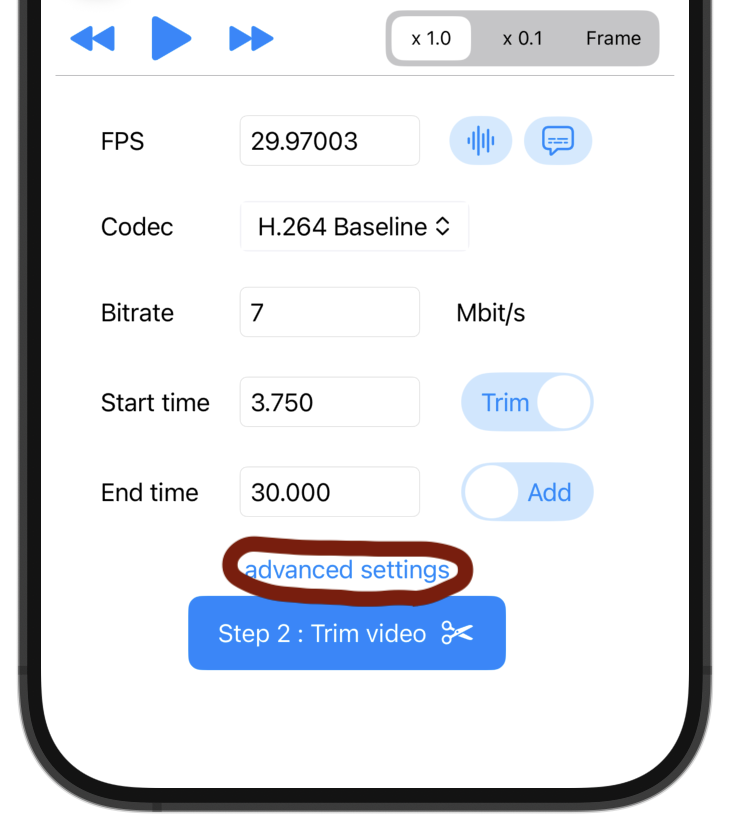
Welcome to VideoTrimmer!And you can change fps, bitrate, codec too.
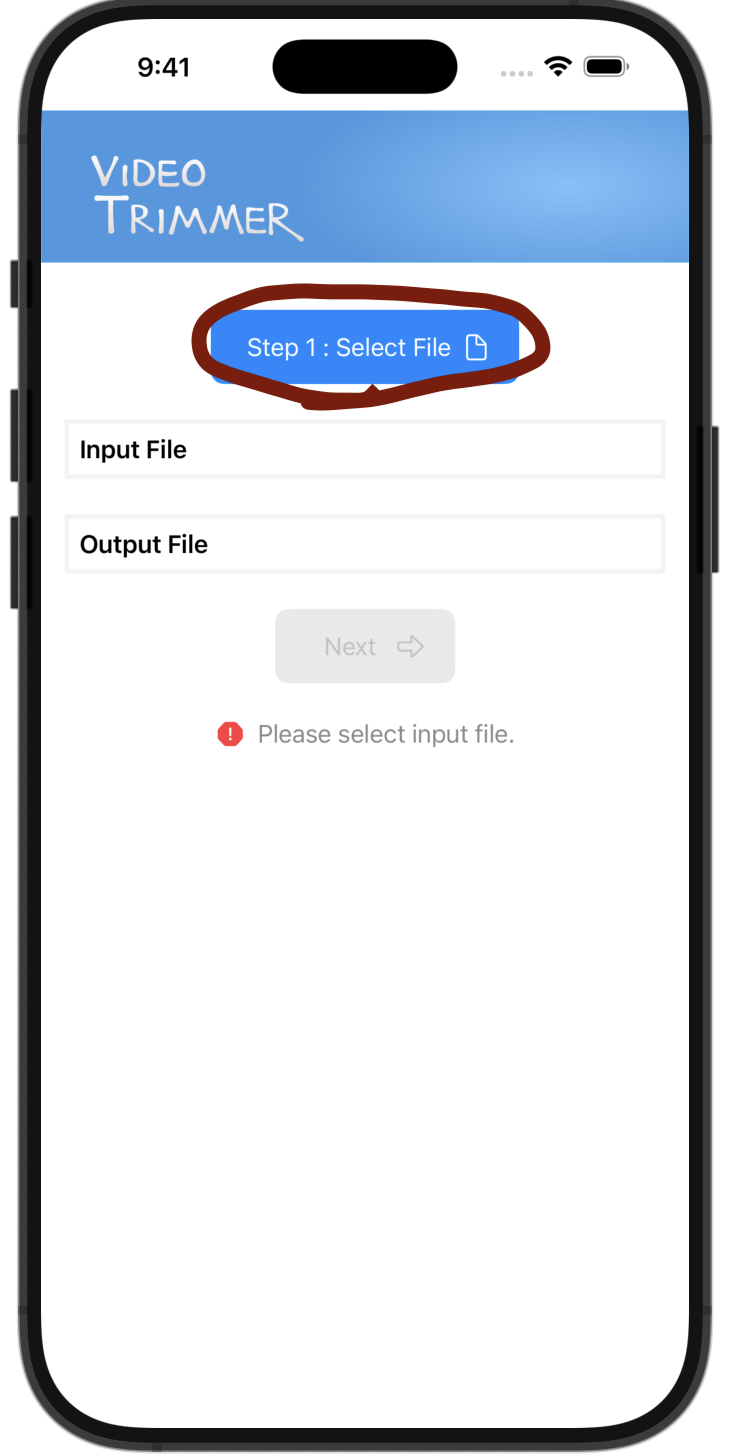
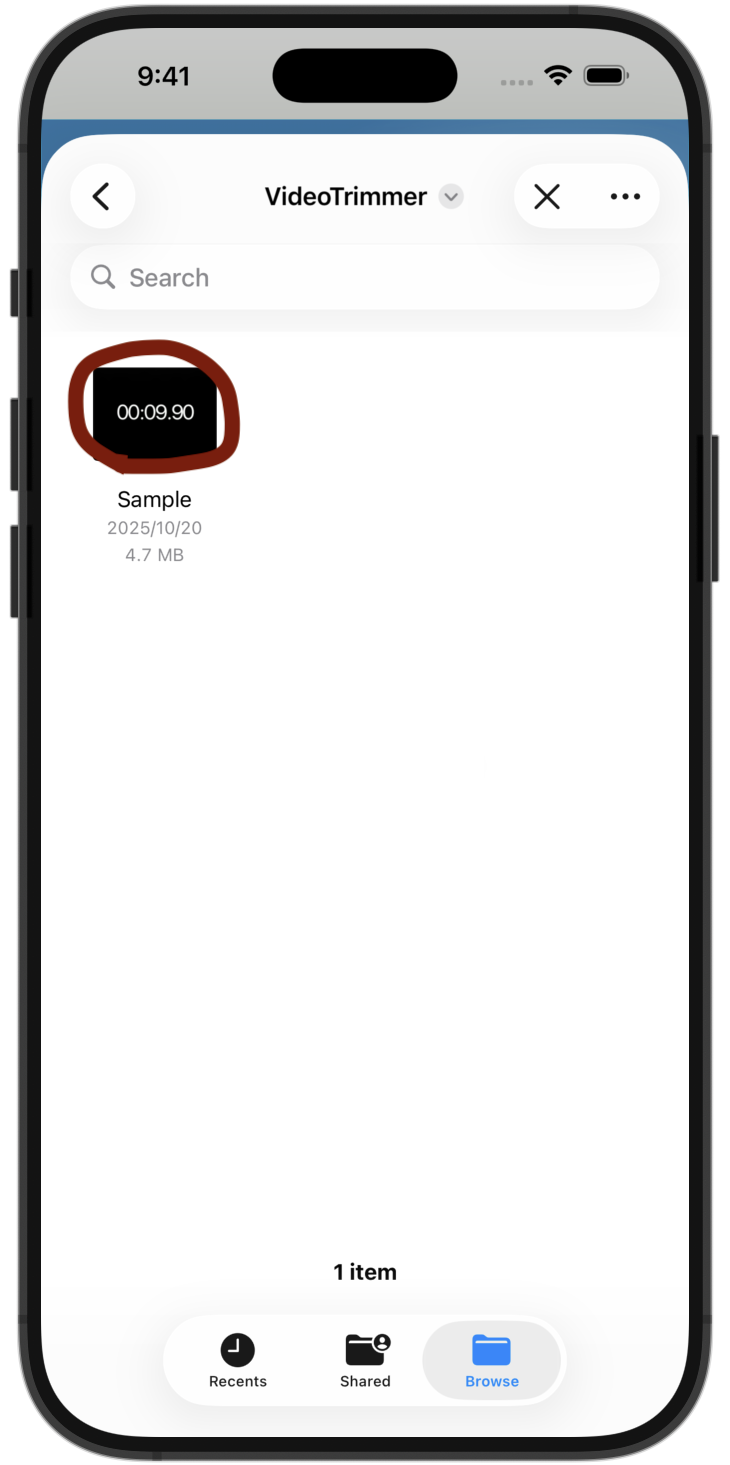
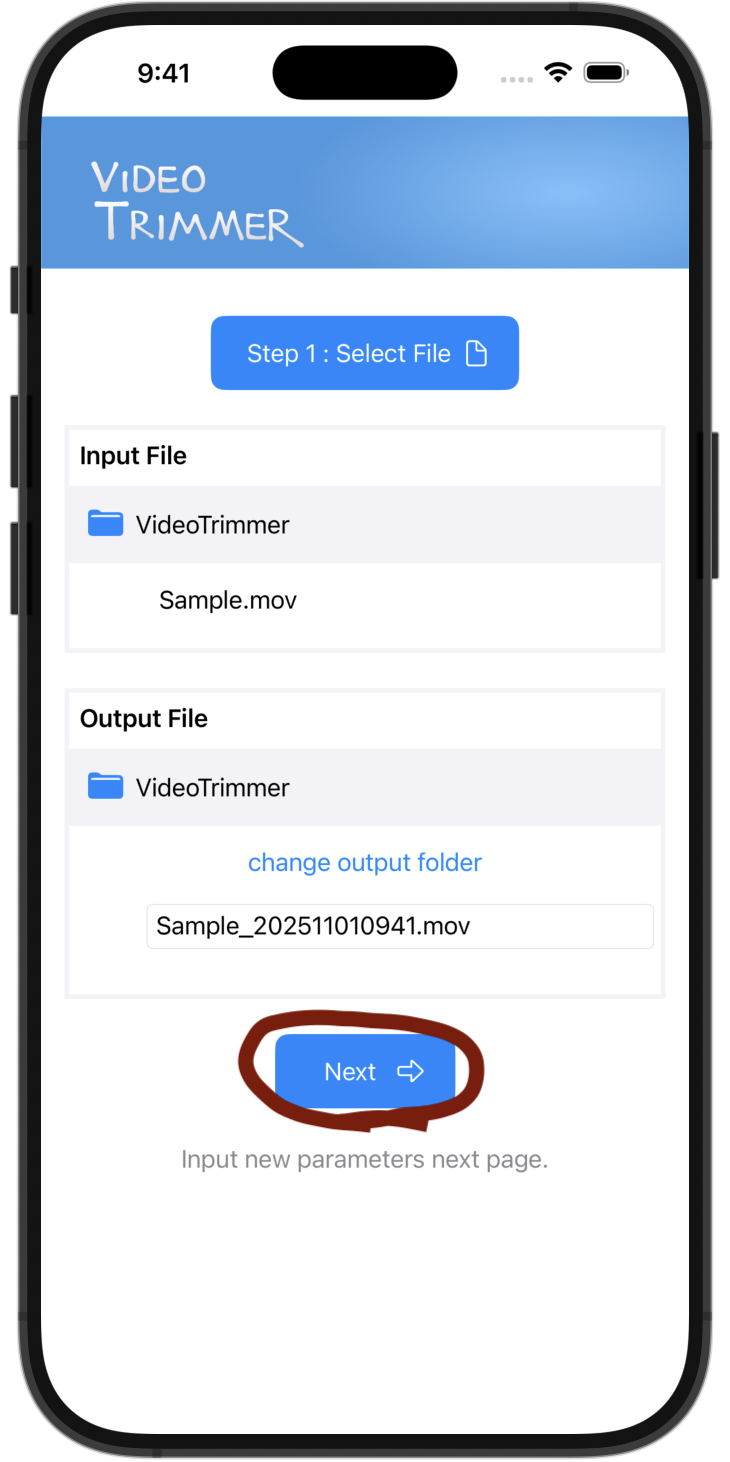
Step 1: Select video file from device (via Files app).
Step 2: Input new video parameter, and trim video!
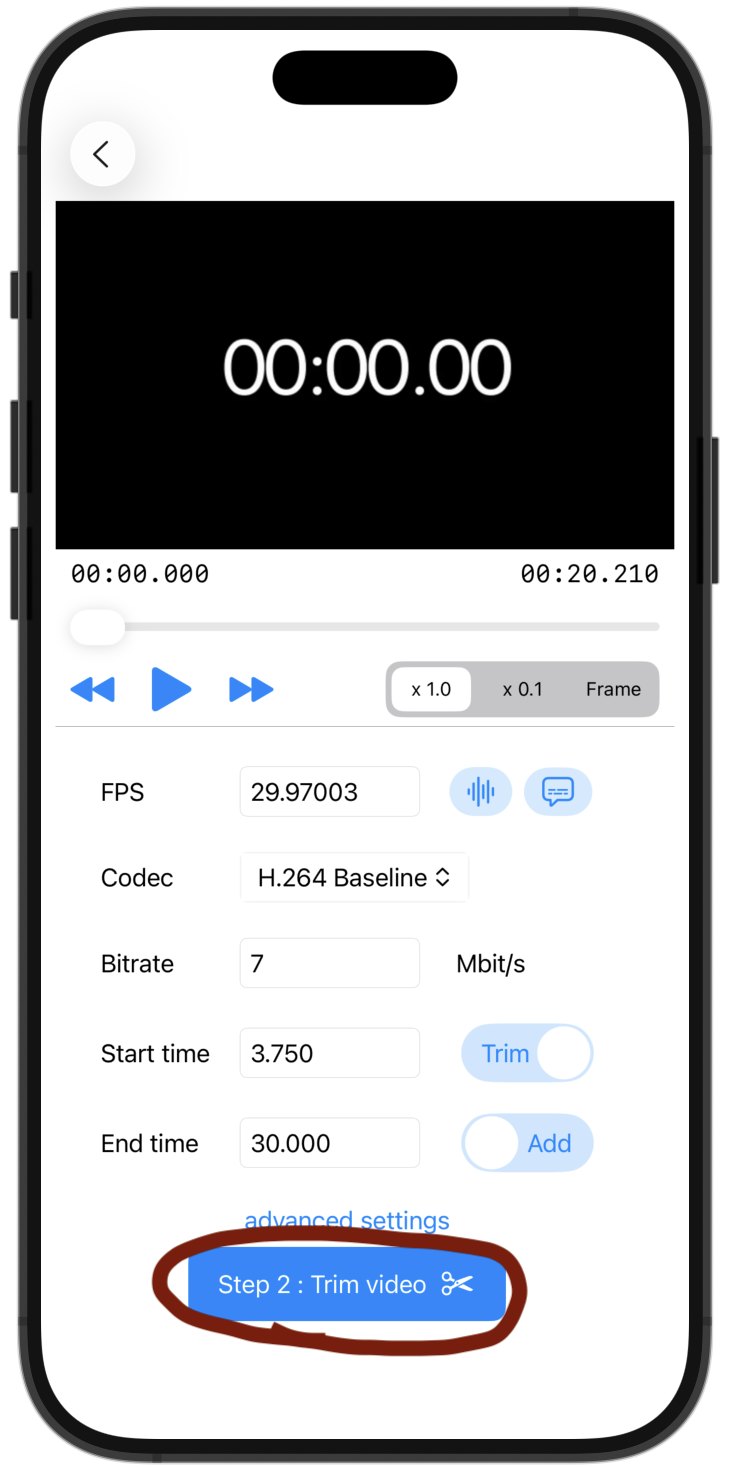
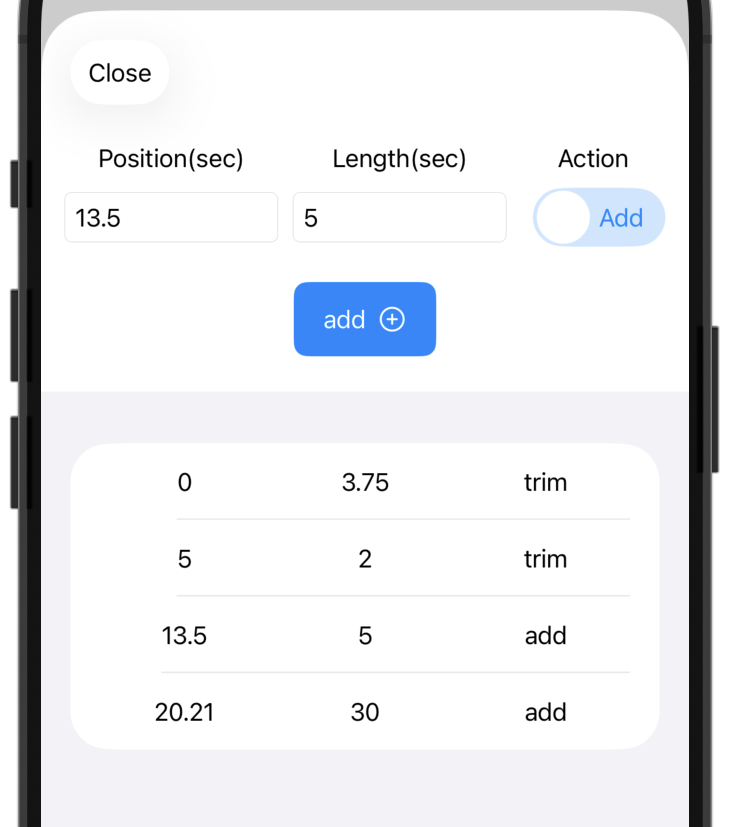
To make more detailed edits, set the time and action on the Advanced page.