 Welcome to VideoTrimmer!
Welcome to VideoTrimmer!
Welcome to VideoTrimmer!And you can change fps, bitrate, codec too.
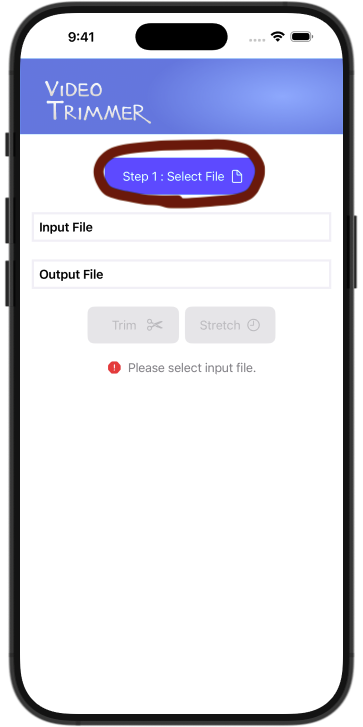
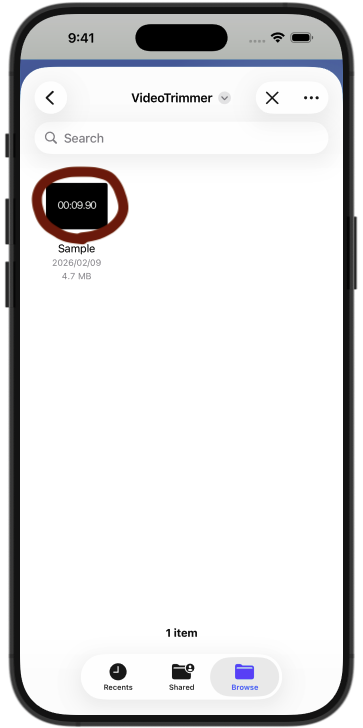
Step 1: Select video file from device (via Files app).
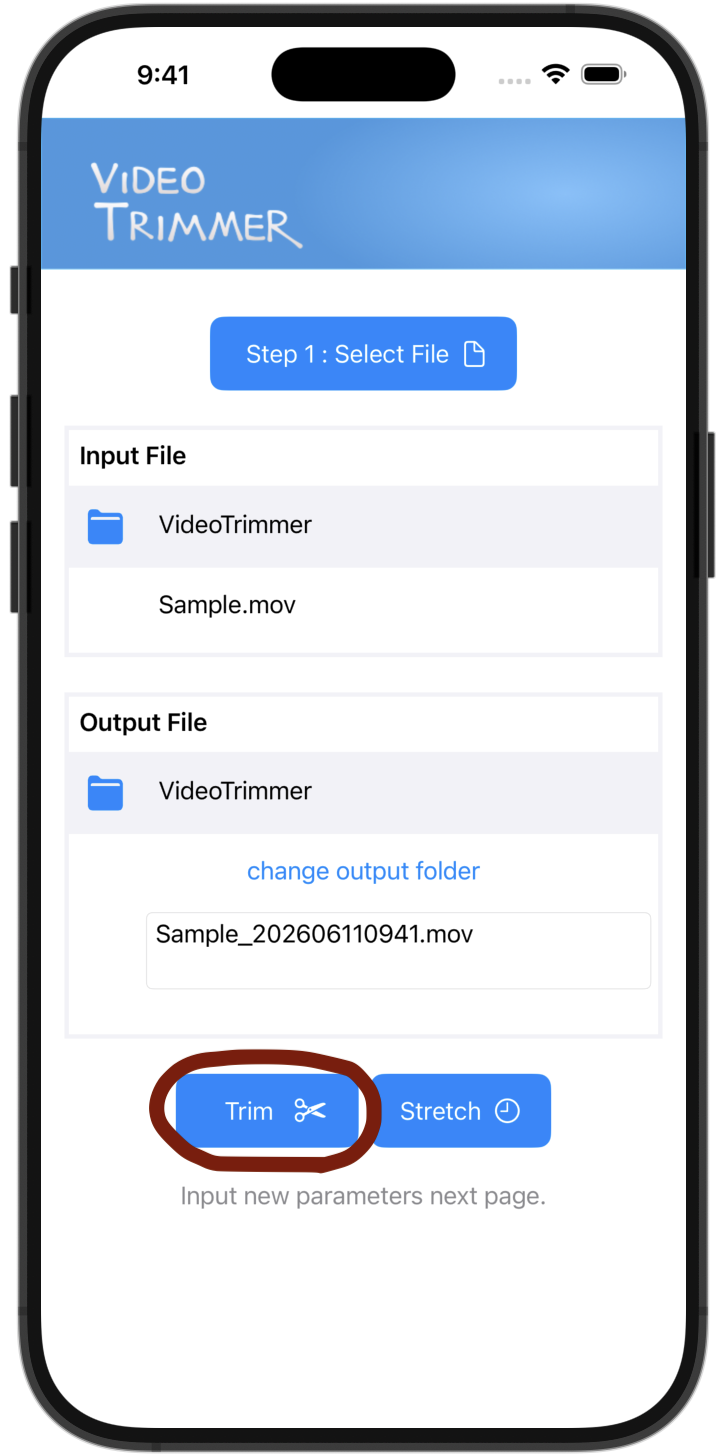
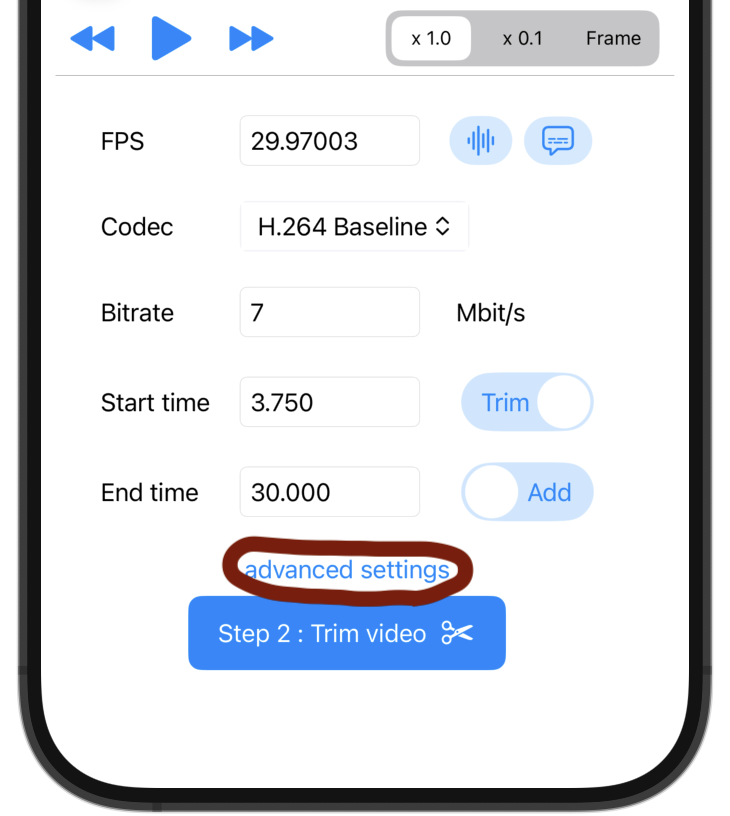
Step 2: Trim Input new video parameter, and trim video!
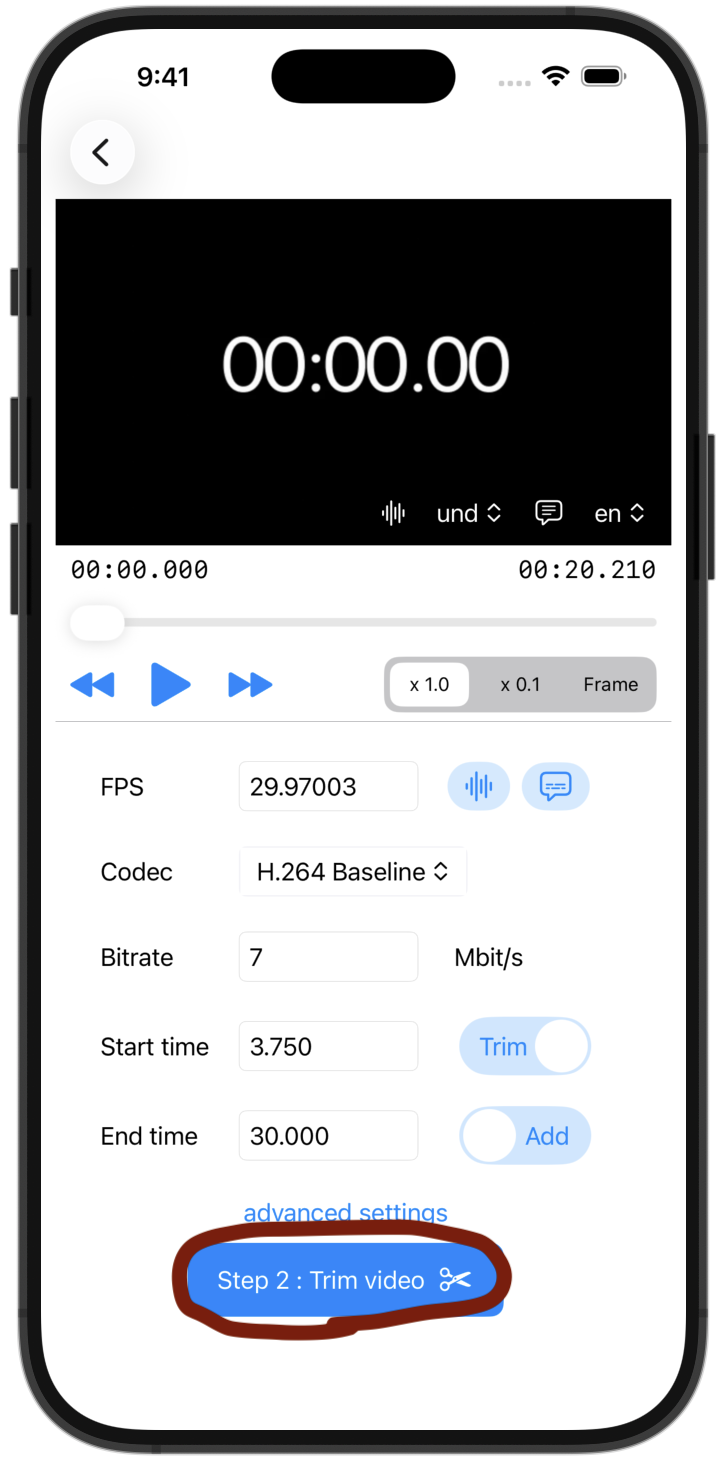
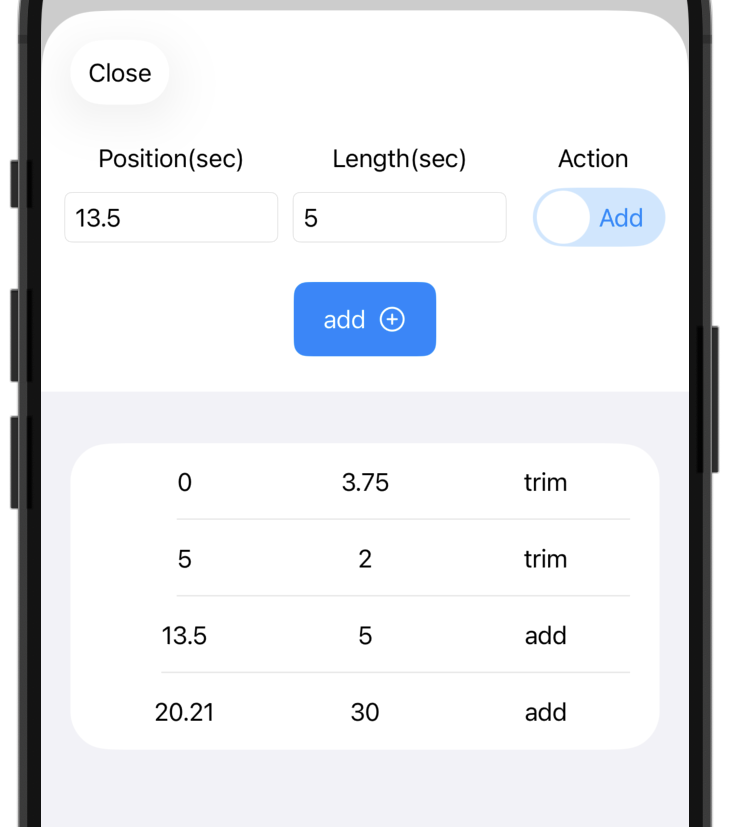
To make more detailed edits, set the time and action on the Advanced page.
Step 2: Stretch Input new video parameter, and stretch video!
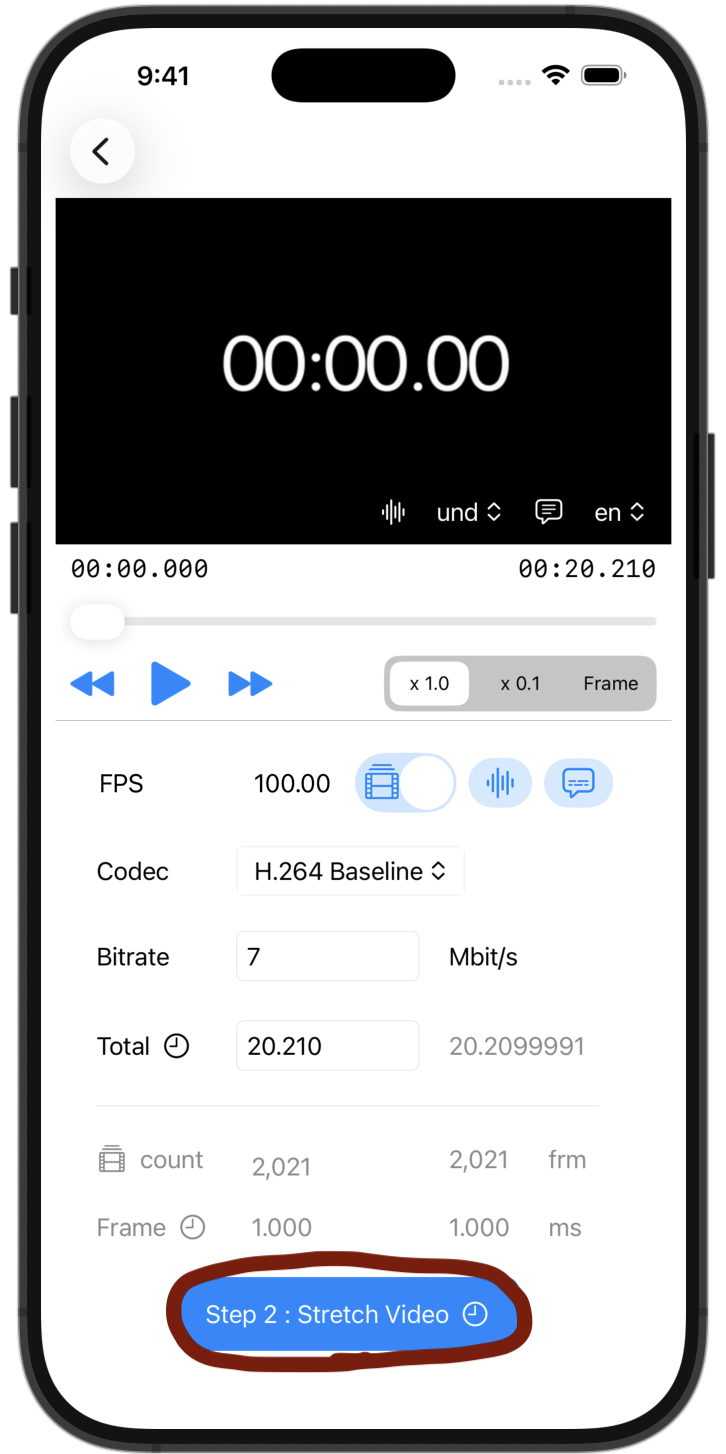
 Adjust frame count.
 Change frame duration.